
This month we would like to give you some tips on how you can make a quick engagement check in a running program.
How to make a quick engagement check
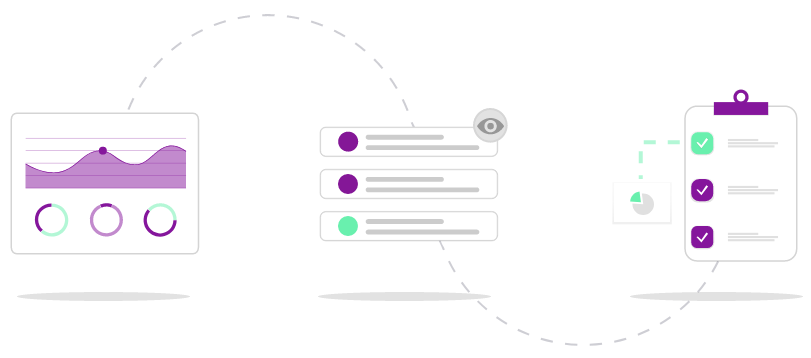
1) Track usage and progress
In the Program and Learners reports you can get an indicator of the engagement in the program, learn how to create a report here ›
Compare the expected and actual progress in the program report, learn more here › In the learners report or in the excel export you can see each individual learner's number of visits to the program and their task status, learn more here ›
2) Preview and read
Head into the program to find out how the learners actually complete their tasks. Preview the program and filter the feed by learner or by task – have the learners made an effort or are the comments a bit too short and sweet? Learn how to preview here ›
3) Ask and review
Finally, why not assess the engagement by asking the learners?
- You can ask a direct question in a faciliator approve task ›
- Post a mentimeter in an announcement ›
- Or create a survey with standardized questions ›
Then take the time to review the data and feedback you have gathered and take action or make the changes that's necessary.