This month we would like to share an interactive infographic with you and tell you about a third-party tool, which you can use to create engaging content and embed in your assignments!
Interactive Infographic
Last week we introduced a new feature: embedding content in messages! We're hoping this will inspire both program designers when creating assignments, and learners when completing tasks. Learn more about this feature here ›
We have created an interactive infographic that you can share with your learners to help them get started with the new features and write amazing messages in Promote. The infographic will, for example, show the learners how to embed content, add files and mention fellow learners.
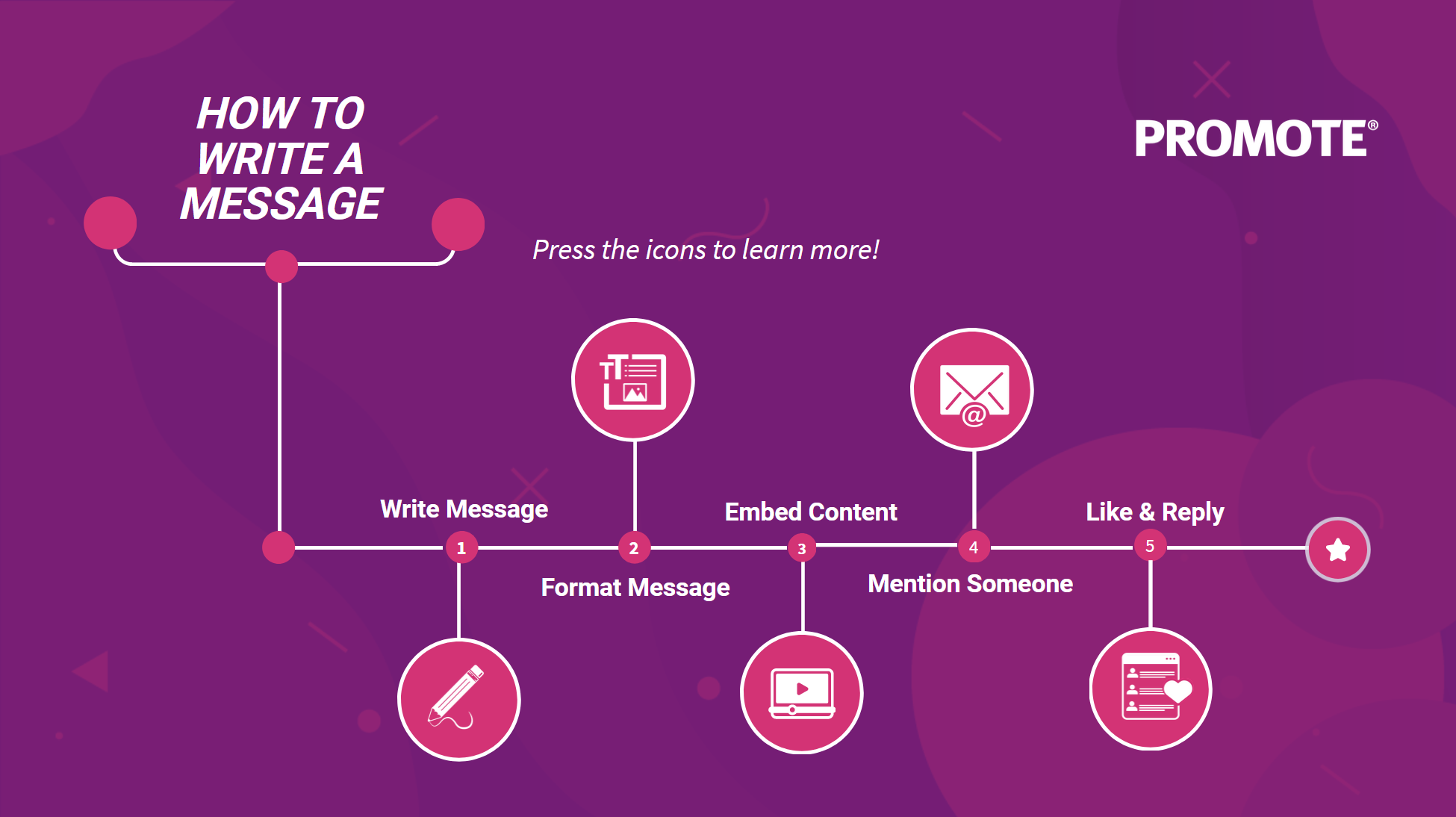
Check out the infographic here ›

Create Interactive Content
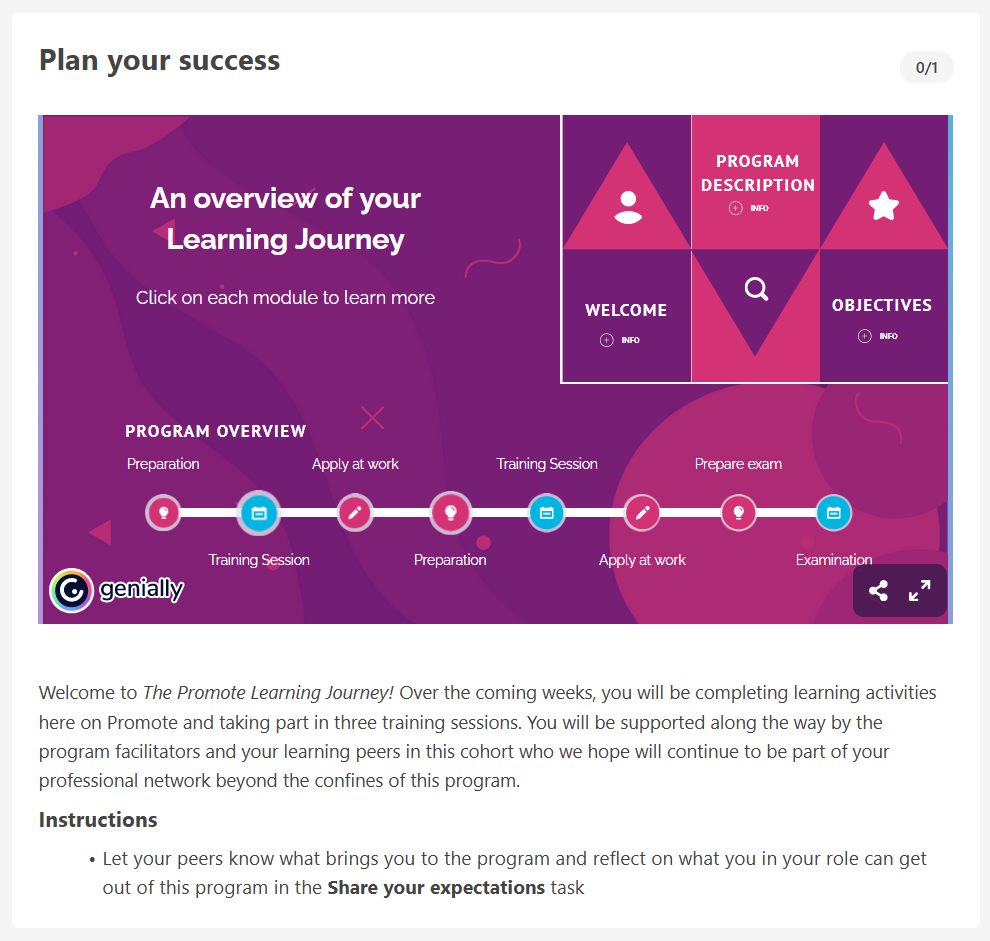 |
Are you interested in creating your own interactive content and embed in Promote? In our Help Center you can learn how to use the third party tool Genially, and how you seamlessly can add the content in an assignment or announcement in Promote.
|