
A new version of Promote will be released on Thursday, May 20.
Embedding content in messages
Program members can now embed content in any message in a program. When writing a message and adding a link, you can choose to embed the content in your post if the source is supported. This means you can for example display a video from YouTube or Vimeo in your message.
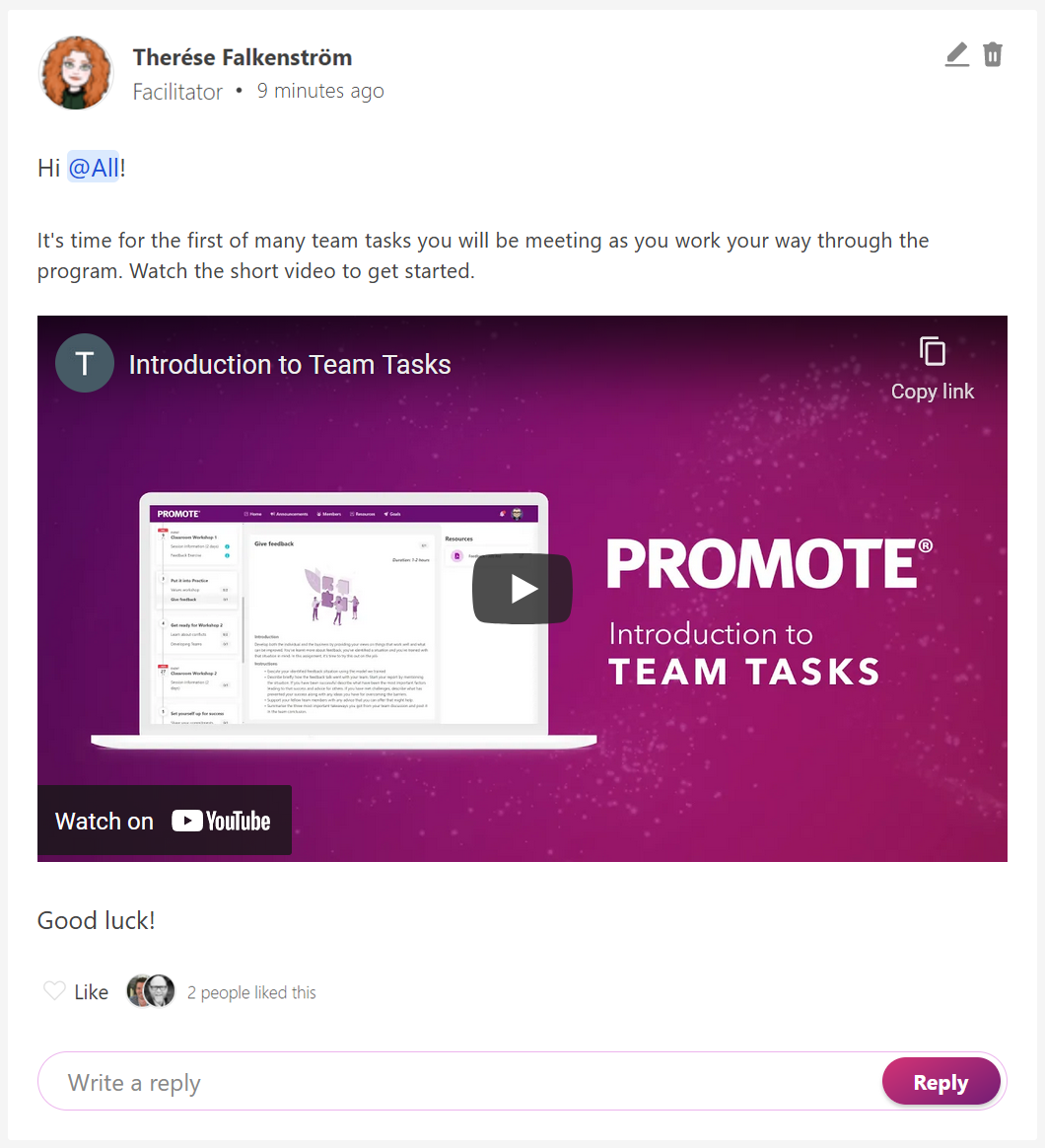 |
Example. In the image you can see an example of how this new feature is used. The YouTube video is embedded in the message and can be viewed by other program members directly in the program. |
In this first release we have added support for:
- https://www.flickr.com/
- https://speakerdeck.com/
- https://vimeo.com/
- https://www.youtube.com/
In the next release in 2 weeks we are planning to add support for several more services so please stay tuned!
Learn more about the editor and how to embed videos in a message here ›
Improvements in this release
- New - Embedding content in messages
- Learning journey no longer scroll to top when completing an e-learning task
- Team tasks should no longer become inaccessible
- Information about who can read team tasks conclusions clarified
- Notification indicator will not show unread messages for closed programs
Downtime
At some point during the day of the release, Promote will be offline for a few minutes. If you are using Promote at this time – wait a moment and then you can continue to work in Promote as before.