
This month we will give you some tips about how to use E-learning courses and quizzes in your programs.
E-learnings in Promote
E-learning is an optional product add-on that allows you to upload your E-learning content to Promote. So what is an E-learning anyway? What are the benefits of using E-learnings in your Promote learning journeys? And how can you add them to your Promote programs?
What is an E-learning?
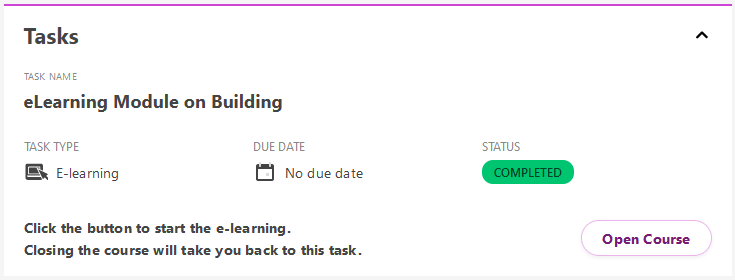
An E-Learning is learning content delivered as an electronic lesson or a quiz using interactivity, media and text. You can create this content with an E-learning Authoring Tool. There are plenty of tools out there and they are generally easy to use with ready-to-use templates. If they support SCORM, and most authoring tools do, you can upload the E-learnings to Promote and use them in your programs. You can add them as either a task to track your learners' completion status or add them as a resource to your assignments.
Benefits of using E-learnings in your Promote programs
Build the Knowledge Foundation
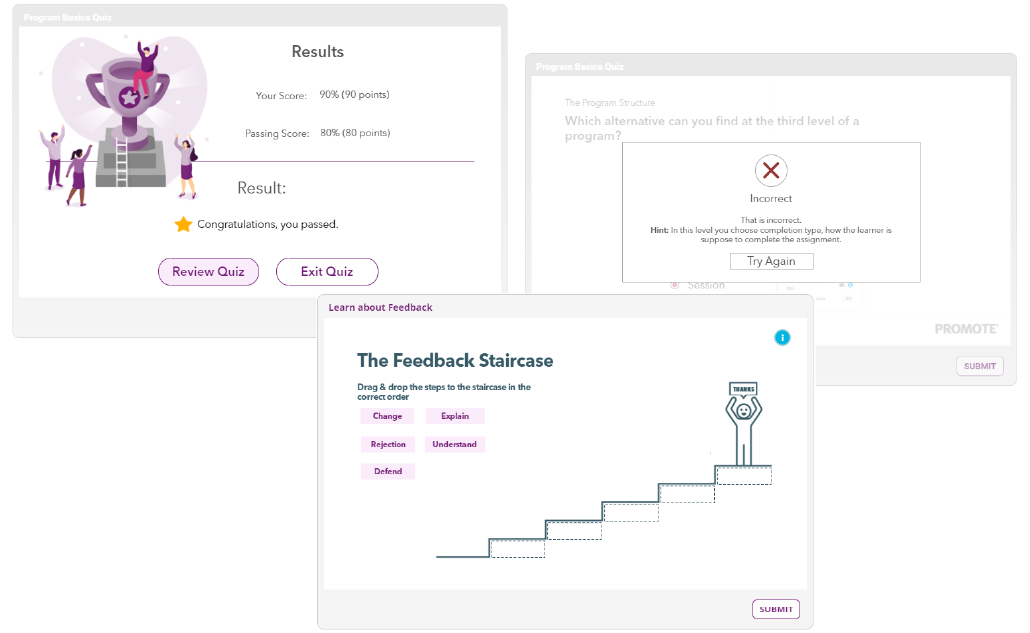
An E-learning can be a part of your preparatory assignments to build a solid knowledge foundation. The content of the E-learning can help learners to learn about the theory, which allows you to focus on practice when you meet during your training sessions.
Knowledge Check
After the training session you might want to make a quick knowledge check with a quiz, but to go through all learners’ answers, grade and provide feedback can become time-consuming. With an E-learning Quiz, you can build in the grading, add prepared feedback depending on how the learners performed and even a review to let the learners go through their results.
How to add your E-learnings to Promote
- Create your content in an E-learning Authoring Tool
- Export your E-Learning as a SCORM zip package
- Upload the zip package to Promote
- Connect it to a task in your program to track your learners’ completion status
